
For flood and severe weather templates there is an option to import BoM data at the bottom of the 'Impacts in your area' section. 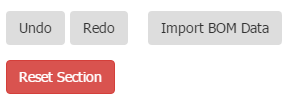
To import BoM data:
- In the text box click the location that you want to import the BoM data.
- Click on the 'Import BoM Data' button.
- This will open up a pop up box where you can select the BoM warning and preview the content that will be imported.
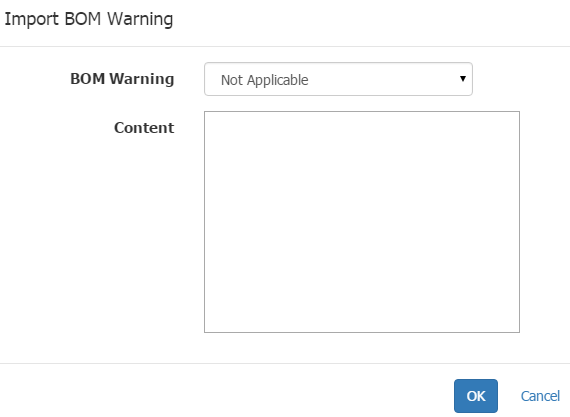
- Select 'OK' to import the data. You can edit the content of the BoM warning once it has been imported into the text box.
Comments
0 comments
Article is closed for comments.